Native Apps
Introduction
Mechanix OS comes with 4 native applications designed to provide essential functionality for the Mecha Comet device. These applications are built using Flutter and optimized for embedded Linux environments using flutter-elinux.
Built With
Our native apps are developed using the following technologies:
- Flutter Framework: https://docs.flutter.dev/
- Flutter for Embedded Linux (flutter-elinux): https://github.com/sony/flutter-elinux
- mechanix.dart: https://github.com/mecha-org/mechanix.dart
The use of flutter-elinux allows our applications to run efficiently on embedded Linux systems, providing a smooth and responsive user experience on the Mecha Comet device.
All native apps are built using mechanix.dart, which provides the core framework and components for Mechanix OS applications.
Unified Theming: All native apps are themify-enabled, meaning any theme change in Settings will automatically reflect across the entire device and all applications, providing a consistent visual experience throughout Mechanix OS.
Open Source: Our apps are open source and available on GitHub:
🔗 https://github.com/mecha-org/mechanix-gui
Available Native Apps
Mechanix OS includes the following native applications:
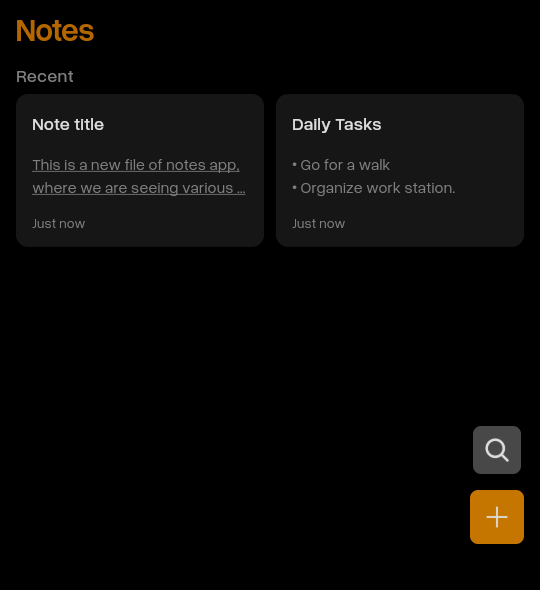
- Notes - Capture and organize your thoughts
- Files - Manage your files and folders
- Music - Play and organize your music library
- Settings - Configure your device preferences
Notes App
About
The Notes app is a lightweight and intuitive note-taking application designed for quick capture and organization of your thoughts, ideas, and reminders on the Mecha Comet device.
Features
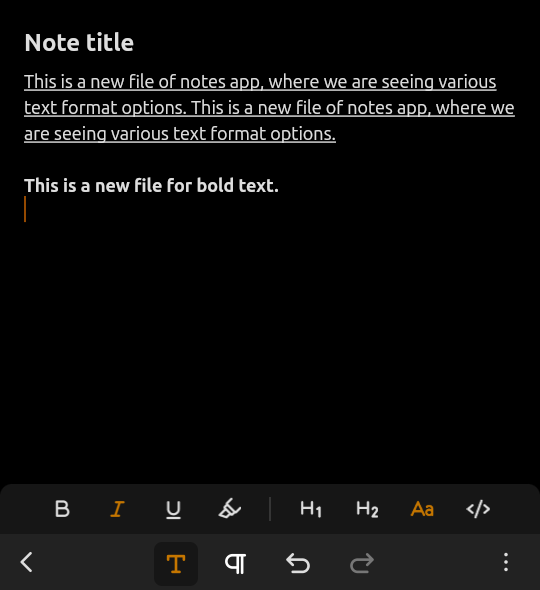
- Rich Text Editing - Create well-structured notes with text formatting, headings, and inline code
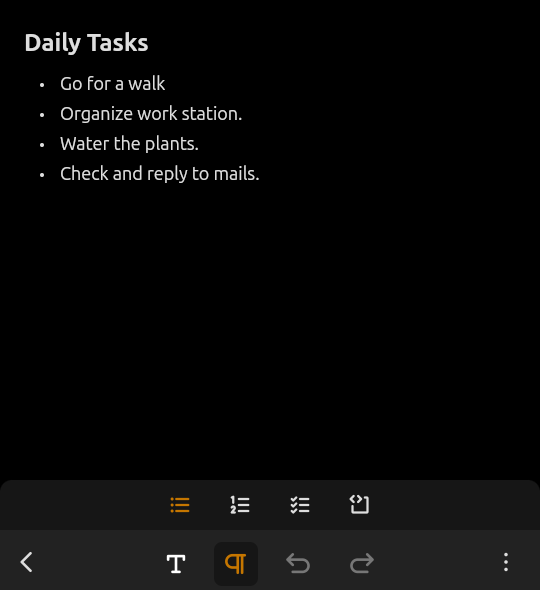
- Editor Toolbars - Text emphasis toolbar for styling and headings; List & blocks toolbar for bullet lists, numbered lists, checkboxes, and code blocks
- Editor Actions - Undo, redo, share, and delete notes
- Keyboard Shortcuts - Quick formatting with Ctrl+B (Bold), Ctrl+I (Italic), Ctrl+U (Underline)
- Markdown Shortcuts - Space-based shortcuts (-, *, #, [], ```) and character-based shortcuts for faster writing
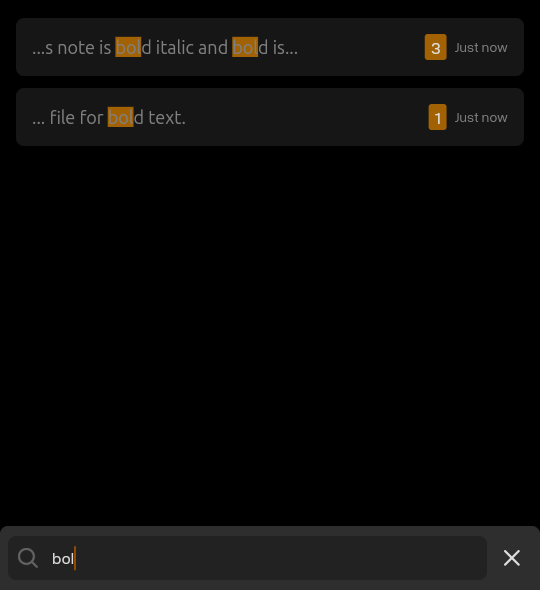
- Smart Search - Optimized search with 3+ character matching and priority-based ranking for accurate results
Support
- Supported Formats: Rich text with markdown support
- Storage: Local device storage using Hive database
- Platform: Mechanix OS on Mecha Comet device
Screenshots
Notes List
Create/Edit Note
Bullet List
Search Notes
Files App
About
The Files app is a comprehensive file manager that allows you to browse, organize, and manage files and folders on your Mecha Comet device with ease.
Features
- Folder Actions - Create new folders, paste, select all, show/hide hidden files, view properties, and search
- File Operations - Extract archives, compress files, duplicate, rename, copy, move, and delete
- View Modes - Switch between grid and list views for better file browsing
- Sort Options - Sort files by size, name, date accessed, and date modified in ascending or descending order
- File Previews - Built-in previews for images, audio, video, text files, code files, and PDFs
Support
- Supported File Types: All common file formats including archives (ZIP), images, audio, video, text, code, and PDF
- File Operations: Create, Copy, Move, Delete, Rename, Extract, Compress
- Storage Access: Internal storage and external media
- Platform: Mechanix OS on Mecha Comet device
Screenshots
Files List
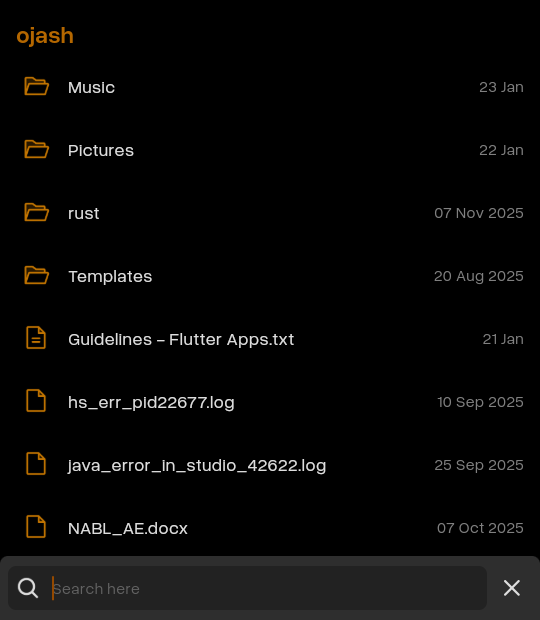
Files Grid List
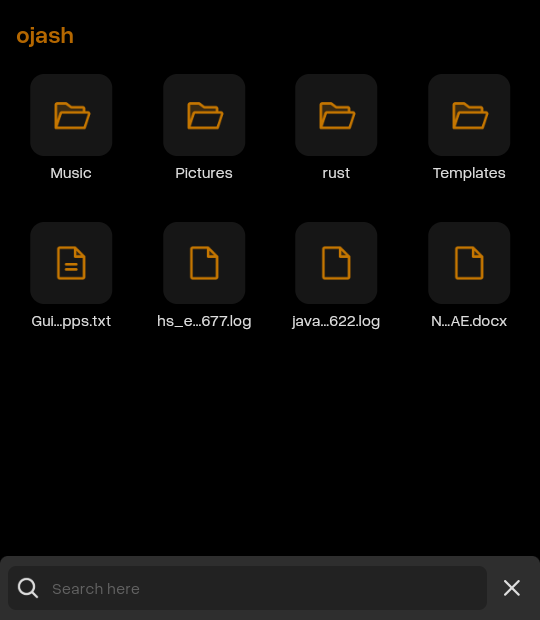
Pdf Preview
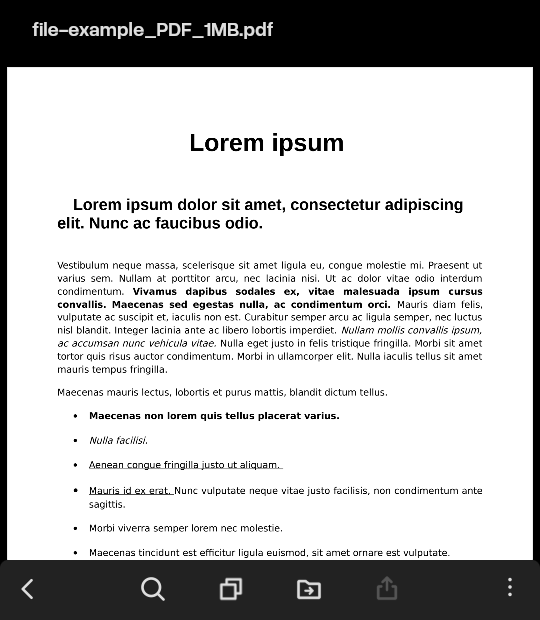
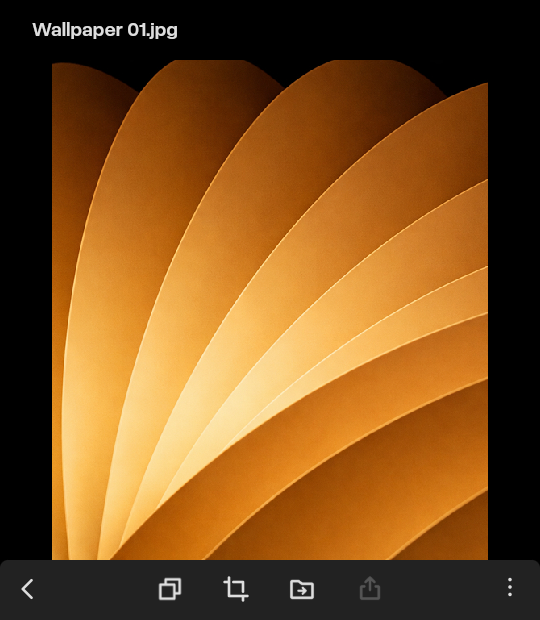
Photo View
Music App
About
The Music app is a feature-rich music player designed to deliver an excellent audio experience on your Mecha Comet device. Play your favorite songs, create playlists, and enjoy your music library.
Features
- Core Playback Controls - Play/pause, next track, previous track, progress bar, and add to queue
- Music Management - Song list view, add/remove favorites, queue management
- Queue-Based Playback - Queued songs play first, automatically resumes normal playback after queue ends
- Smart Limits - Recently played limit (9 songs), maximum 10 playlists with 30 songs each for optimized performance on embedded devices
Support
- Supported Formats: MP3, AAC, FLAC, WAV, OGG
- Audio Output: Built-in speakers, headphone jack, Bluetooth
- Platform: Mechanix OS on Mecha Comet device
Installation
System Requirements (Linux)
Fedora
sudo dnf install mpv mpv-libsDebian
sudo apt update
sudo apt install libmpv-dev
Screenshots
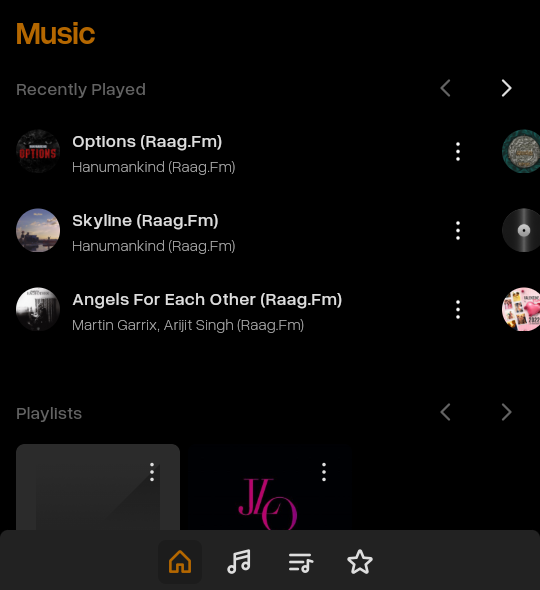
Home Page
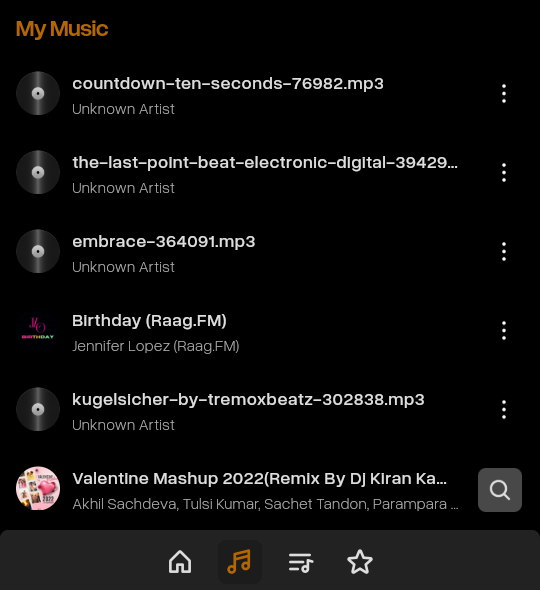
My Music
Playlist Tab
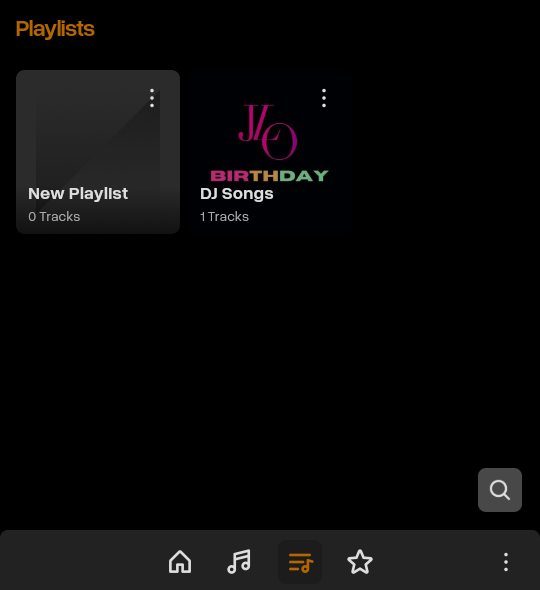
Playlist Info
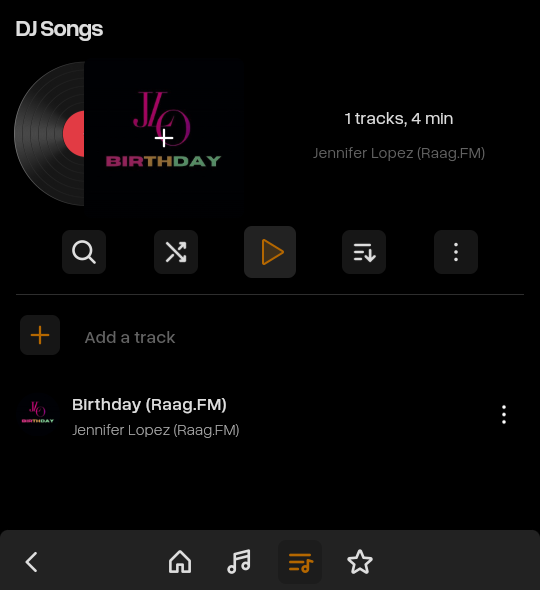
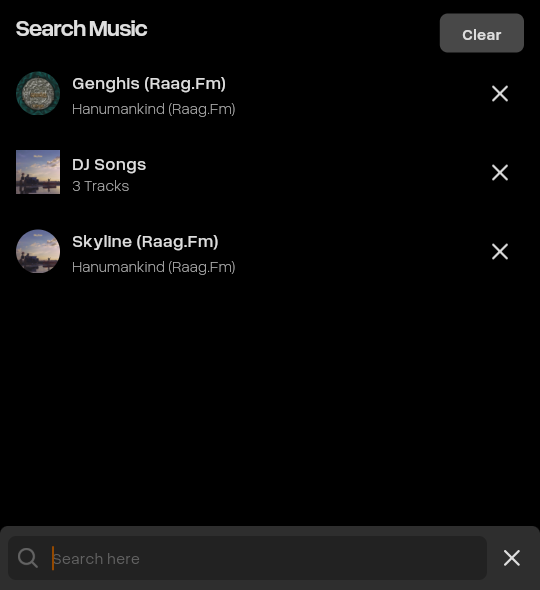
Search Song and Playlist
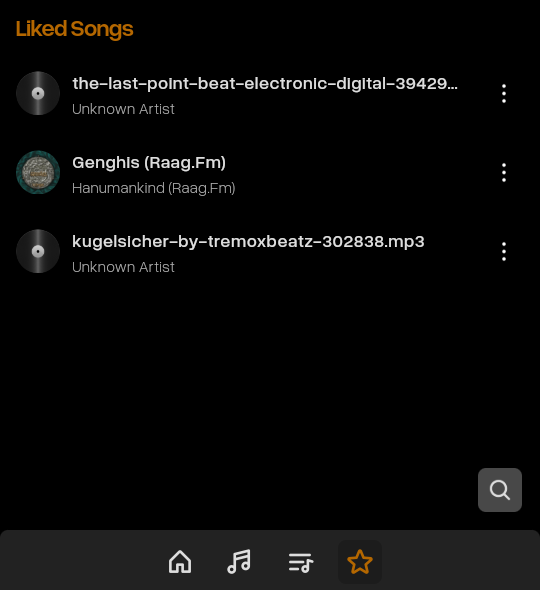
Liked Songs
Settings App
About
The Settings app is the central hub for configuring and customizing your Mecha Comet device. Manage system preferences, connectivity, display options, and more.
Features
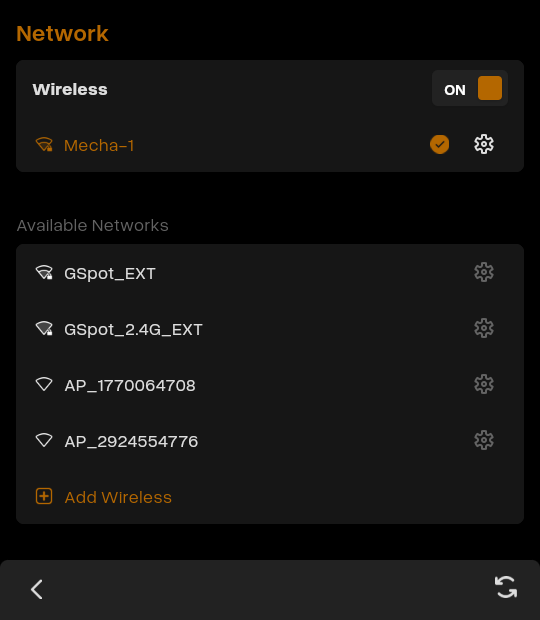
- Network - Manage Wi-Fi connections and network settings
- Bluetooth - Connect and manage Bluetooth devices
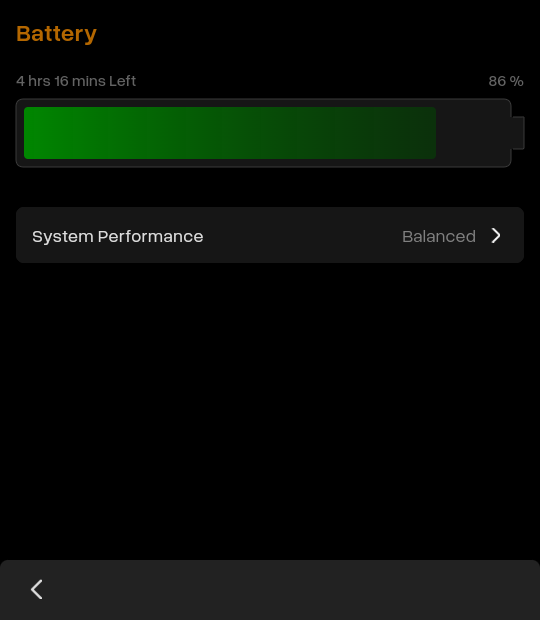
- Battery - Monitor battery status and power settings
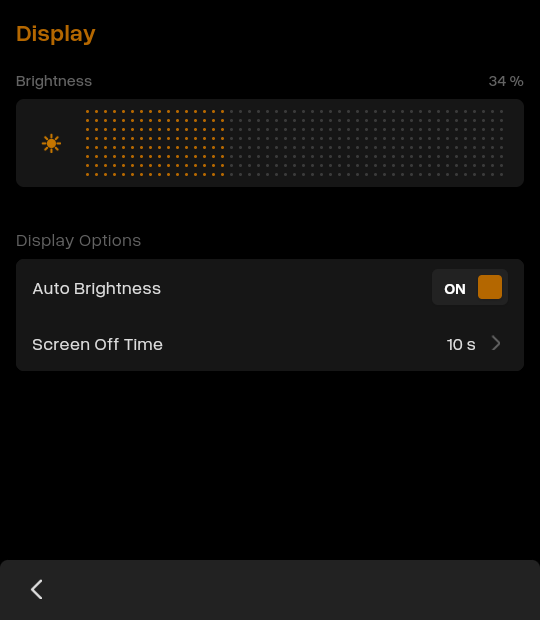
- Display & Brightness - Adjust screen brightness and display preferences
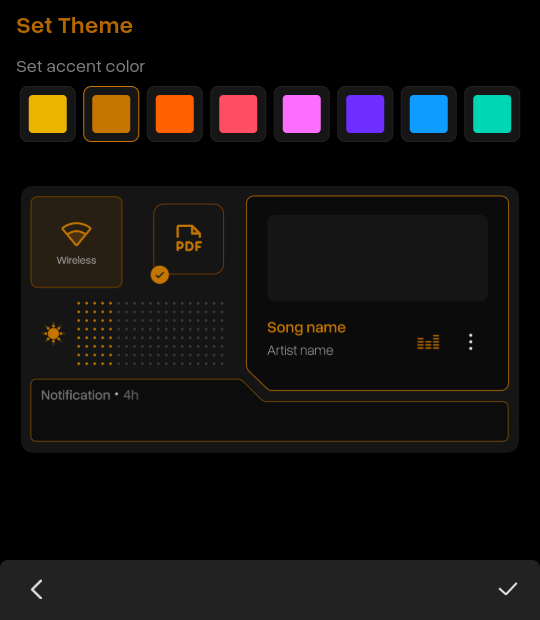
- Appearance - Customize wallpaper and theme settings
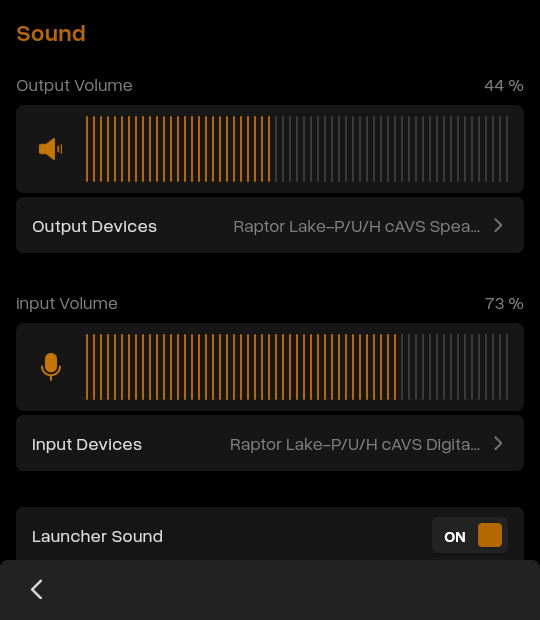
- Sound & Haptics - Configure volume, audio output, and haptic feedback
- Date & Time - Set date, time, and timezone preferences
- System Update - Check for and install system updates
- System Info - View device information, OS version, and hardware details
Support
- Configuration Scope: System-wide settings and preferences management
- Supported Connectivity: Wi-Fi (802.11 b/g/n), Bluetooth 4.0+
- Customization Options: Multiple theme presets, custom wallpaper support, brightness adjustment
- Audio Outputs: Built-in speakers, headphone jack, Bluetooth audio devices
- System Requirements: Mechanix OS (latest version recommended for all features)
- Update Mechanism: OTA (Over-The-Air) system updates
- Platform: Mechanix OS on Mecha Comet device
Screenshots
Settings
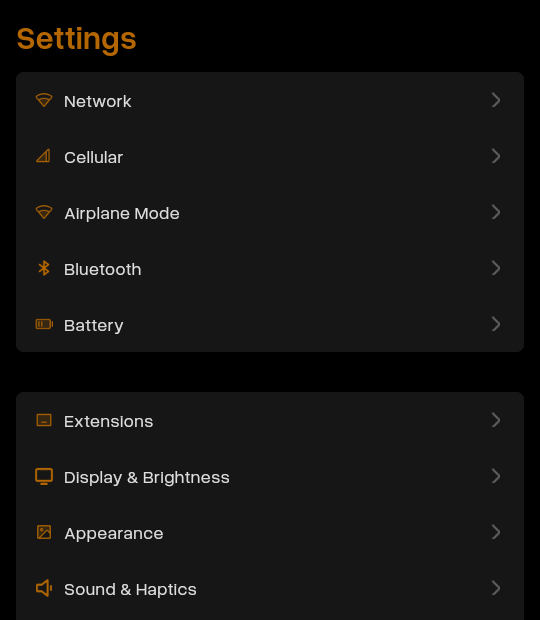
Network
Battery
Display
Appearance
Sound